

You're parked beside a lake, your work call starts at noon, and the campground Wi-Fi is showing one unreliable bar. Moving the laptop closer to the window might help, but it won't fix an overloaded access point or a weak connection feeding the campground in the first place. Wi-Fi anywhere depends on the signal behind the Wi-Fi, whether that signal comes from a cellular tower, a satellite dish, or a shared public network.
The right setup depends on where you travel, how many devices you connect, how much you work or stream, and whether you can see the sky. This guide compares seven practical options, from multi-carrier cellular service and satellite internet to carrier hotspots, CloudSIM devices, and phone plans with tethering. Each one works well somewhere, and each one fails somewhere specific.
1. SwiftNet Wifi
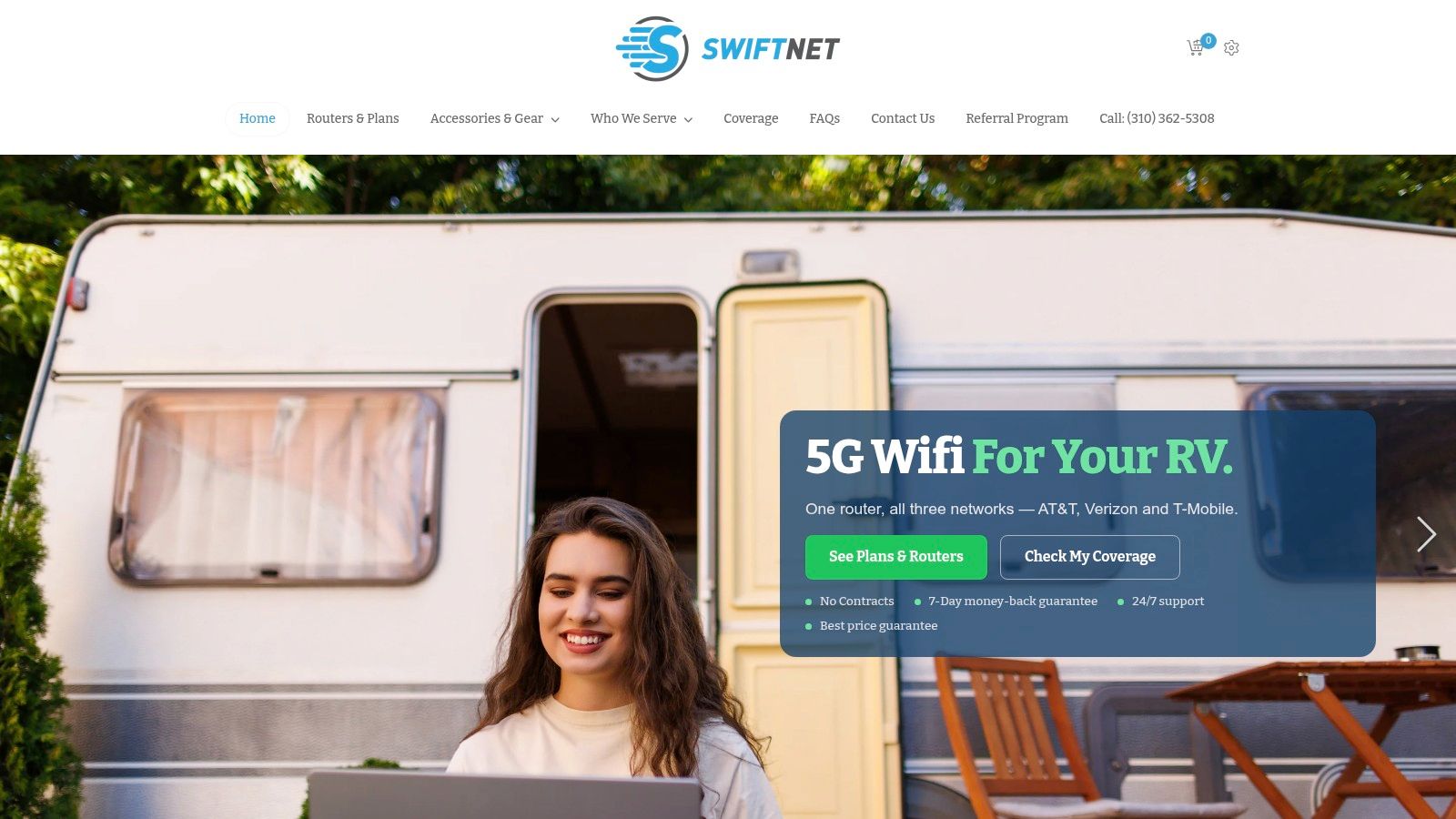
You pull into a wooded RV site, the park Wi-Fi is overloaded, and you still need a stable call by morning. SwiftNet Wifi fits that kind of stop because it stays in the cellular lane. No dish to mount, no sky alignment to manage. Its core draw is virtual-SIM access across AT&T, Verizon, and T-Mobile, so the device can work across multiple carrier networks instead of tying you to a single one.
That flexibility matters most on routes where coverage shifts every few towns. One carrier may hold a usable signal at a truck stop, while another falls apart a few miles later near a canyon wall or a sparsely served backroad. Multi-carrier service improves your chances in those mixed conditions.
SwiftNet's pricing page lists a 4G Bronze hotspot plan from $49.99 per month and a 5G Diamond router option from $69.99 per month. A SwiftNet 5G Gold hotspot is listed at $299.99. The company overview and product lineup are shown on SwiftNet's official site.
Where it earns its place
Preconfigured hardware keeps setup straightforward. Power on the hotspot or router, connect your devices, and test it where you are parked, not where the signal looked good on a coverage map. That matters in real use, because site layout changes everything. A rig tucked behind metal buildings, down in a wash, or far from the nearest tower can perform very differently from the entrance road.
SwiftNet positions its service for streaming, remote work, gaming, rural households, and RV travel, and it includes phone and chat support. Every subscription also includes a 7-day risk-free money-back trial, plus no contracts and no hidden fees. Verified military members, veterans, and first responders can access a $40 first-month discount through GovX, and there is a referral program. Its guide to internet for RV living is a useful read before you choose gear or parking placement.
Practical rule: Multi-carrier access helps when one nearby network is weak. It does not solve a true dead zone, heavy tower congestion at peak hours, or a campsite where distance and terrain knock every carrier down.
The limit is simple. SwiftNet is still a cellular service. It works well where there is some usable tower access, even under trees or awnings, but it stops being the right tool where towers are too far away or too crowded to support your device load. The company also does not publish a formal speed SLA or detailed independent testing, so test it during your actual work hours and with the number of devices you expect to run.
2. Starlink Roam
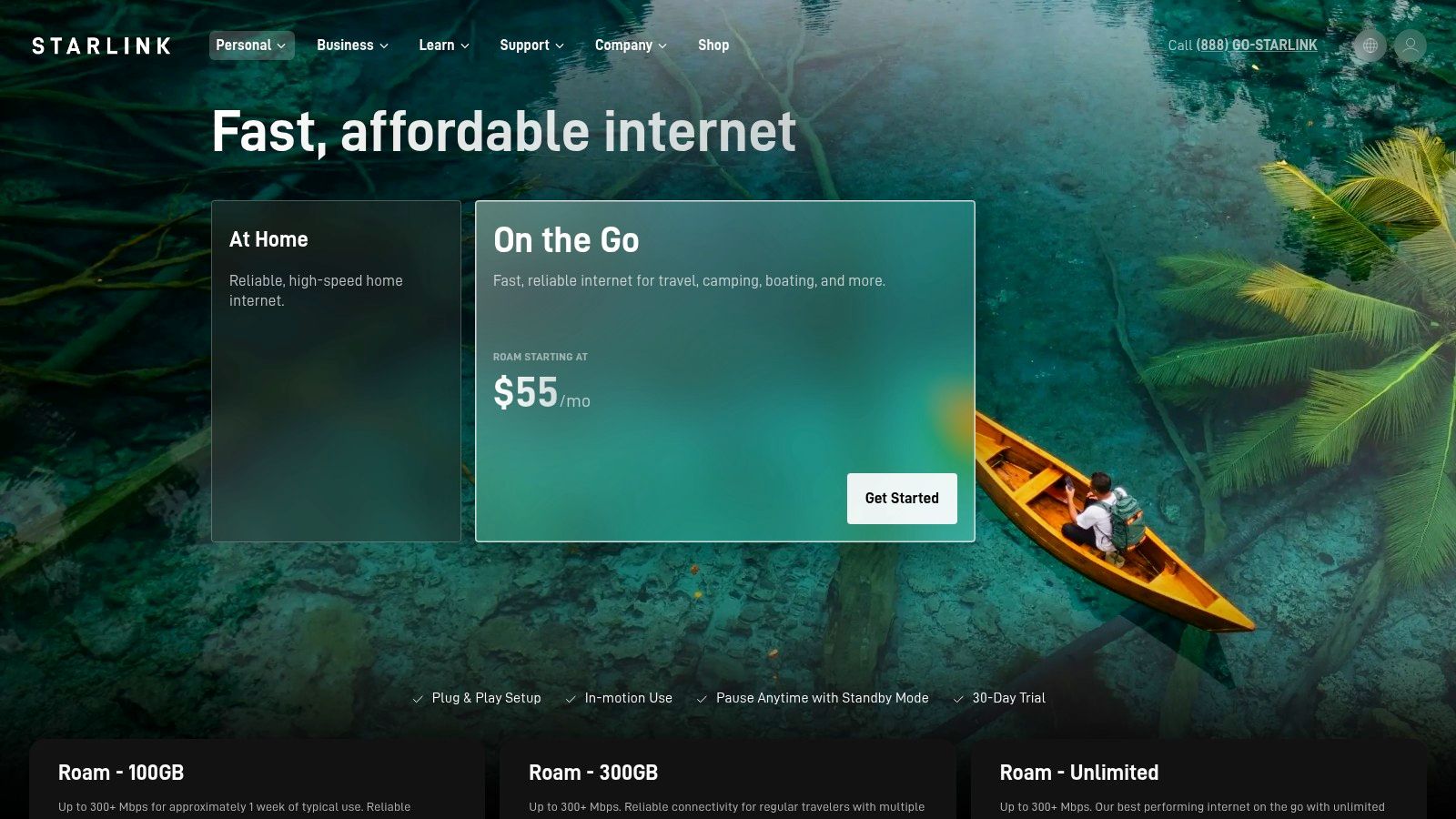
Starlink Roam is the clearest choice when your route leaves reliable cellular coverage behind. It uses a portable satellite terminal, so you can set it up at an RV campsite, rural property, or boondocking location where a cellular hotspot has nothing useful to connect to. Plans include options such as 100 GB, 300 GB, and Unlimited, with plan availability and terms shown on Starlink Roam's official page.
The hardware is self-installed and portable. You don't need a tower nearby, but you do need a usable view of the sky. A campsite beneath dense trees, beside a cliff, or between tall obstructions can produce interruptions even when the wider area has satellite availability.
The trade-off is physical rather than purely technical. The kit is larger and heavier than a pocket hotspot, and it draws meaningful power from an RV battery. That matters when you're boondocking without regular shore power. You'll also need to place the terminal where obstructions are limited, then run the connection back to the living or working area.
These Starlink setup instructions provide a useful reminder that placement is part of the installation, not an afterthought. Starlink is strongest for open-sky remote camping, but it's a poor fit for a heavily wooded site where the dish can't maintain a clean view.
3. Verizon Mobile Hotspot and myPlan Perks
You're parked near a highway stop, need to send files, join a call, and keep maps running. Verizon can handle that kind of day well if the route stays inside strong coverage. Its dedicated Jetpack and MiFi devices are built for laptops, tablets, and even an RV router, and current hardware options, including the Inseego MiFi X Pro 5G UW plus models from Orbic and TCL, are listed on Verizon's hotspot page.
The choice between a dedicated hotspot and phone tethering comes down to workload. A Jetpack fits regular workdays with several connected devices because it keeps the connection separate from your phone and avoids turning your handset into a hot battery drain. Phone hotspot access through eligible myPlan options, including an Unlimited Mobile Hotspot perk where available, makes more sense for shorter sessions, email, navigation, and light browsing. For a fuller comparison of hotspot allowances and pricing, see our Wi-Fi hotspot plans guide.
Verizon is at its best in urban, suburban, and well-served highway travel, especially in places where 5G Ultra Wideband is reachable from your parking spot. That last part matters. Coverage on paper does not guarantee a stable work connection from a campsite tucked behind trees, down in a low valley, or far enough from the tower that signal fades indoors.
Verizon usually stops being the all-purpose answer. In deep rural areas, the limiting factor is often not your hotspot model or your data perk, but tower distance, terrain, and how many people are hitting the same sector in the evening. Check the premium hotspot terms before relying on it as your only connection, because speeds may throttle after the included premium allowance is used.
Verizon is a practical pick when you already know the carrier performs on your route. It is a weaker fit for remote campsites where one bad tower location can turn a strong regional network into a poor connection at the exact spot you need to work.
4. AT&T DataConnect
AT&T DataConnect is a straightforward option for users who want a data-only line in a compatible hotspot, tablet, or LTE/5G router. Instead of adding another phone line, you select a defined data bucket, insert or activate the service on approved hardware, and use the device as a private Wi-Fi source. Current plans and eligibility details are listed on AT&T DataConnect.
The appeal is predictability. Data-only plans are easier to budget than a vague assumption that an unlimited phone plan will support a full household, multiple screens, cloud backups, and a work VPN. AT&T lists bucket options such as 50 GB and 100 GB, with documented data policies and device requirements.
AT&T can work well for an RV traveler who spends most time in areas where the network is already dependable. It's also useful as a backup router for a rural home, particularly when the fixed connection is unreliable or unavailable. The failure point is geographic. If the AT&T tower is weak at your site, a larger data allowance won't improve the radio signal.
A data bucket solves usage planning. It doesn't solve tower distance, terrain, indoor attenuation, or evening congestion.
The plans are primarily U.S.-focused, and international data typically isn't included. After the included data is consumed, speeds may slow or additional fees and add-ons may apply under the applicable plan terms. That makes AT&T DataConnect a better fit for measured browsing, work, and occasional streaming than for an RV where several people stream throughout the day without tracking consumption.
Before buying, test AT&T at the exact location where you'll work. A strong result at a highway rest stop doesn't guarantee the same experience behind a wooded campground or in a valley.
5. T-Mobile Mobile Internet for Hotspots
T-Mobile's postpaid and prepaid hotspot plans suit travelers who spend much of their time inside the carrier's stronger 5G footprint. You can activate a compatible 4G or 5G hotspot, connect your laptop and tablets, and use the device as a compact travel router. Current plan choices and hardware requirements appear on T-Mobile's hotspot page.
The service is appealing because activation is relatively direct and the provider publishes typical speed, network-management, and deprioritization information. Prepaid Mobile Internet options include “Unlimited” tiers with an on-network threshold, so the label shouldn't be treated as unlimited high-speed performance for every workload.
T-Mobile works best on routes where you've already confirmed strong service. In a dense city, a compatible 5G hotspot can be a capable replacement for public Wi-Fi. In wooded rural areas, mountain valleys, or locations distant from the nearest tower, performance can vary sharply. Satellite remains the more dependable category when there's no practical cellular signal at all.
What changes under congestion
Video optimization can affect how streaming traffic behaves, while deprioritization can reduce speeds when the network is busy. That may not matter for email or ordinary browsing, but it can become obvious during a workday with video meetings, cloud applications, and simultaneous streaming.
T-Mobile is a sensible single-network choice when local testing supports it. It's a riskier choice for a route that crosses widely different terrain without a backup. If you're comparing it with SwiftNet or another multi-carrier service, focus less on advertised peak speed and more on which network works at your planned stops.
6. GlocalMe CloudSIM Global and US Portable Wi-Fi
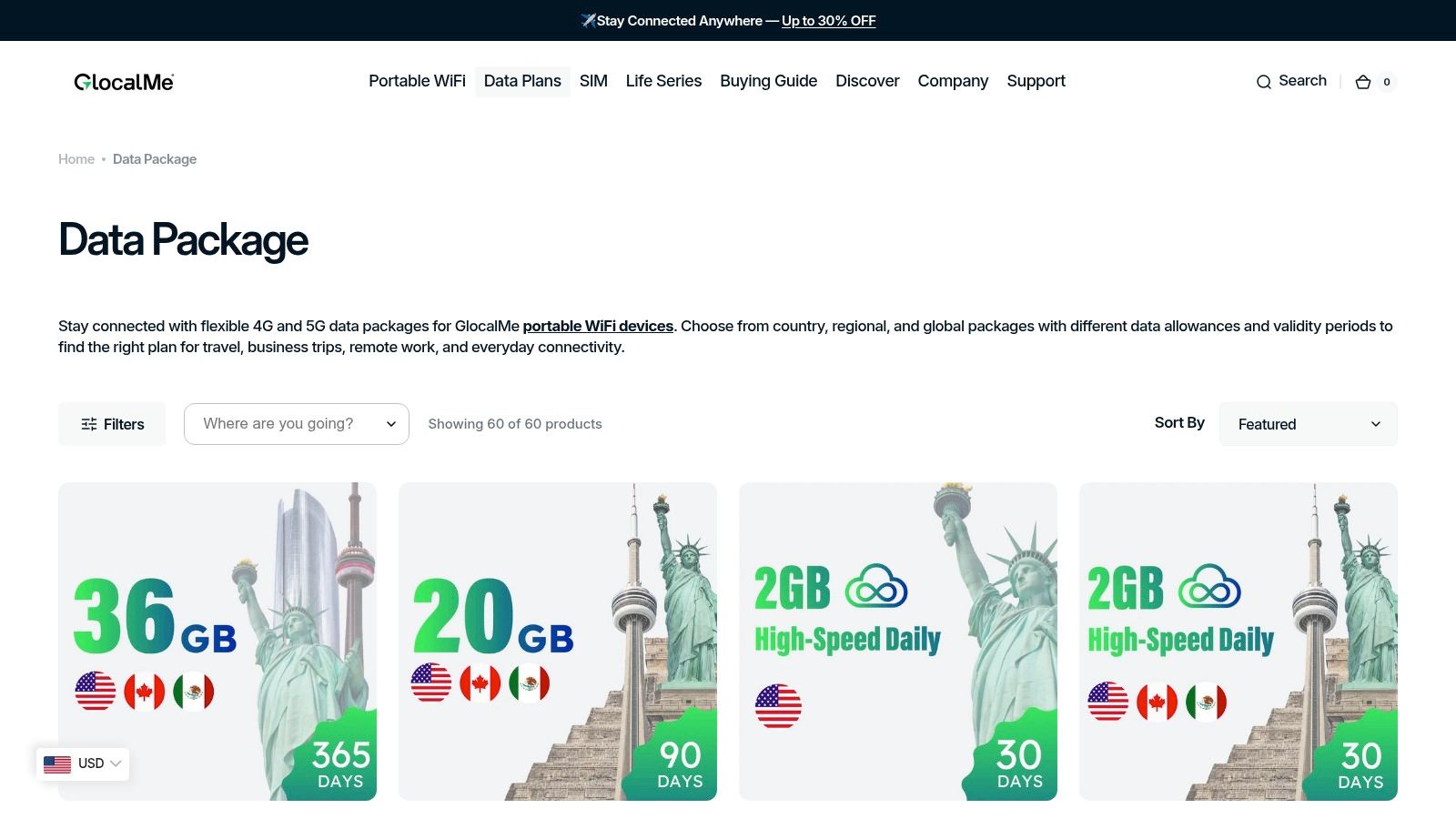
GlocalMe targets travelers who want portable data without changing physical SIM cards. Its battery-powered Solis and Solis Pro hotspots use CloudSIM or eSIM connectivity across partner networks, and users can purchase local, regional, or global packages through the GlocalMe data package store.
That model is especially useful for mixed domestic and international travel. You can buy data when you need it, avoid a long contract, and connect multiple devices through one portable hotspot. Many models can also accept a physical SIM, giving frequent travelers another way to adapt when a local plan offers better coverage or pricing.
The weakness is the same feature that makes the service flexible. GlocalMe depends on partner cellular networks, so it isn't a satellite replacement for remote backcountry locations. If the partner network has no usable signal at your campsite, the device can't manufacture coverage. Performance also depends on the package, local network conditions, and whether the plan reduces speeds after its high-speed allowance.
GlocalMe makes the most sense for:
- Short international trips: Avoid swapping SIMs between destinations.
- Occasional RV travel: Buy data for the trips you take.
- Backup connectivity: Keep a separate device available when your primary carrier fails.
It's less compelling as the only connection for a household that uses heavy streaming, large uploads, and daily remote work. Read the package limits carefully, especially for “unlimited” offers, then test the device before depending on it for a critical call.
7. Google Fi Wireless
Google Fi Wireless can turn a phone into a Wi-Fi anywhere hub without requiring a separate hotspot device. Unlimited plans include hotspot tethering, and Fi also supports data-only SIMs or eSIMs for compatible tablets and laptops. Plan features, international terms, and current trial availability are listed on Google Fi's plan page.
The setup is convenient for a traveler who already carries a compatible phone. One account can support phone use, tethering, and additional connected devices, while selected plans include international data. Fi also offers a 7-day free trial in eligible areas and devices, which can help you test compatibility before relying on it for travel.
The catch is the high-speed allowance. Google Fi's Unlimited Standard and Unlimited Premium plans list hotspot amounts such as 25 GB and 50 GB, respectively. After the applicable threshold, speeds are reduced. That can be perfectly adequate for light work and navigation, but it becomes restrictive when several people share the connection or when you upload large files and stream throughout the day.
Phone-based hotspot use also puts more work on your handset. Keep it charged, place it where it receives the strongest signal, and expect rural performance to vary with the local tower. Fi's network flexibility doesn't remove the basic cellular limits created by terrain, tower distance, and congestion.
For international travelers and occasional remote workers, Fi is one of the simplest options. For a full-time RV household, a dedicated multi-carrier router or satellite connection may provide a better separation between phone service and household internet.
Wi-Fi Anywhere: 7-Provider Comparison
| Provider | Implementation complexity | Resource requirements | Expected outcomes | Ideal use cases | Key advantages |
|---|---|---|---|---|---|
| SwiftNet Wifi | Low, plug‑and‑play routers/hotspots | Preconfigured router/hotspot or device purchase; subscription (from ~$49.99/mo); depends on nearby cellular towers | Reliable cellular internet where towers exist; optimized for streaming/remote work/gaming; variable in cellular‑dead spots | RV travelers, rural homes, mobile workers, backup internet | Multi‑carrier virtual SIM (AT&T/Verizon/T‑Mobile), no contracts, 7‑day trial, 24/7 support, price guarantees |
| Starlink Roam (SpaceX) | Medium, self‑install satellite kit; setup for clear sky | Portable satellite terminal (heavier), notable power draw, subscription (GB or unlimited plans) | Consistent connectivity in areas with little/no cellular when unobstructed; higher power and larger hardware | Off‑grid, remote/boondocking, locations with poor cellular | Satellite coverage where cellular fails; prioritized SpaceX bandwidth |
| Verizon Mobile Hotspot (Jetpack/MiFi) | Low, plug‑in hotspot or tether via phone | Dedicated hotspot device or eligible phone plan; Verizon 4G/5G network and plan data buckets | Fast 5G UW in urban/suburban areas; variable rural coverage; possible throttling after premium data | Urban/suburban mobile work, tethering from phone or dedicated device | Strong 5G performance where available; flexible device and plan options |
| AT&T DataConnect | Low, insert data‑only SIM into hotspot/router | Compatible hotspot/router and data‑only plan (sized buckets); AT&T 4G/5G access | Predictable monthly costs with documented throttling; speeds depend on local network | RV/router users wanting sized data buckets and predictable billing | Clear data buckets and throttling policies; broad device compatibility |
| T‑Mobile Mobile Internet | Low, activate hotspot plan on device or phone | Compatible hotspot device or phone plan; T‑Mobile 5G coverage and plan terms | Generally fast 5G in covered markets; potential deprioritization/video optimization during congestion | Users primarily inside T‑Mobile 5G footprint needing portable internet | Competitive pricing, large 5G footprint, simple activation |
| GlocalMe (CloudSIM) | Low, battery hotspot power on and eSIM selection | Battery‑powered CloudSIM/eSIM hotspot; pay‑as‑you‑go data packs or subscriptions | Flexible domestic and international connectivity; performance varies by partner networks | International travelers, mixed domestic/international trips, short stays | No physical SIM swaps; on‑demand data packages and global coverage options |
| Google Fi Wireless | Low, eSIM/physical SIM activation on phone or device | Phone with eSIM or data‑only SIMs; Fi Unlimited plans with hotspot allotments | Integrated phone + hotspot service with international support; high‑speed caps apply | Travelers wanting one plan for phone and hotspot; international users | Seamless eSIM activation, free data‑only SIMs, multi‑network roaming support |
Matching Your Route to the Right Connection
Your route should decide the connection type, not the marketing label attached to the device. Dense urban and suburban corridors favor a phone hotspot, Verizon Jetpack, AT&T DataConnect line, T-Mobile hotspot, or another cellular router. These options are compact and easy to power, but they stop being useful when the local network is weak, the site sits behind terrain or trees, or tower congestion overwhelms the available capacity.
Remote boondocking with an open view of the sky points toward Starlink Roam. Satellite is the stronger category when cellular coverage disappears, but the terminal needs clear sky and draws more power than a pocket hotspot. A shaded campsite may be comfortable for people but difficult for the dish, so check the actual parking area rather than assuming the surrounding region is suitable.
Mixed domestic and international trips favor GlocalMe or Google Fi. GlocalMe gives you on-demand data packages and partner-network flexibility, while Fi combines phone service, hotspot tethering, and data-only SIM options. Neither is a substitute for satellite service in a cellular dead zone.
SwiftNet Wifi fits travelers and rural households that want a private 4G/5G connection with multi-carrier access, simple equipment, and support. Its service still depends on cellular coverage, but using AT&T, Verizon, and T-Mobile access can reduce the risk of committing to one carrier that fails at a particular stop. For insurance planning alongside connectivity, compare your route and equipment needs with Insurances Group's RV insurance guide.
Before departure, test the signal at the spot where you'll park and work. Record download and upload performance, latency, packet loss, and changes during the hours when you'll hold meetings. The FCC's broadband data framework uses 100 Mbps download and 20 Mbps upload as its fixed-broadband benchmark, while its outdoor stationary 5G-NR benchmark is 35 Mbps download and 3 Mbps upload. Those thresholds aren't promises for a mobile plan, but they provide useful reference points when judging a location.
Keep a backup connection, download essential files, and match your data allowance to your real streaming and work habits. A connection that handles one laptop and email may fail when several people join video calls, stream content, and run cloud backups at once.
For automatic social posting, place the required fixed hashtag block after the article link and test how each network renders it:
#rv #rvlife #rvliving #rvlifestyle #rvrenovation #rvremodel
#rvtravel #rvcamping #rvadventures #ruralwifi #5gwifi
#5ginternet
SwiftNet Wifi offers portable 4G/5G hotspot and router plans with virtual-SIM access across AT&T, Verizon, and T-Mobile, making it a practical fit for RV travel, rural homes, remote work, and backup internet. If you want a plug-and-play connection with a 7-day risk-free trial, no contract, and 24/7 support, visit SwiftNet Wifi and compare the current options with the demands of your route.


