

A good RV gadget solves a real problem. It doesn't exist just to scratch a shopping itch. Think of your rig as a moving vacation home, where every add-on has to earn its place by improving connectivity, power, safety, or comfort.
What Belongs in a Smart RV Setup
Picture pulling into a remote campground after dark. Your phone shows one bar, three devices are fighting over two outlets, and the air inside is still warm from the drive. That's the moment when the best gadgets for RV travel prove their worth, turning a frustrating evening into a normal one.
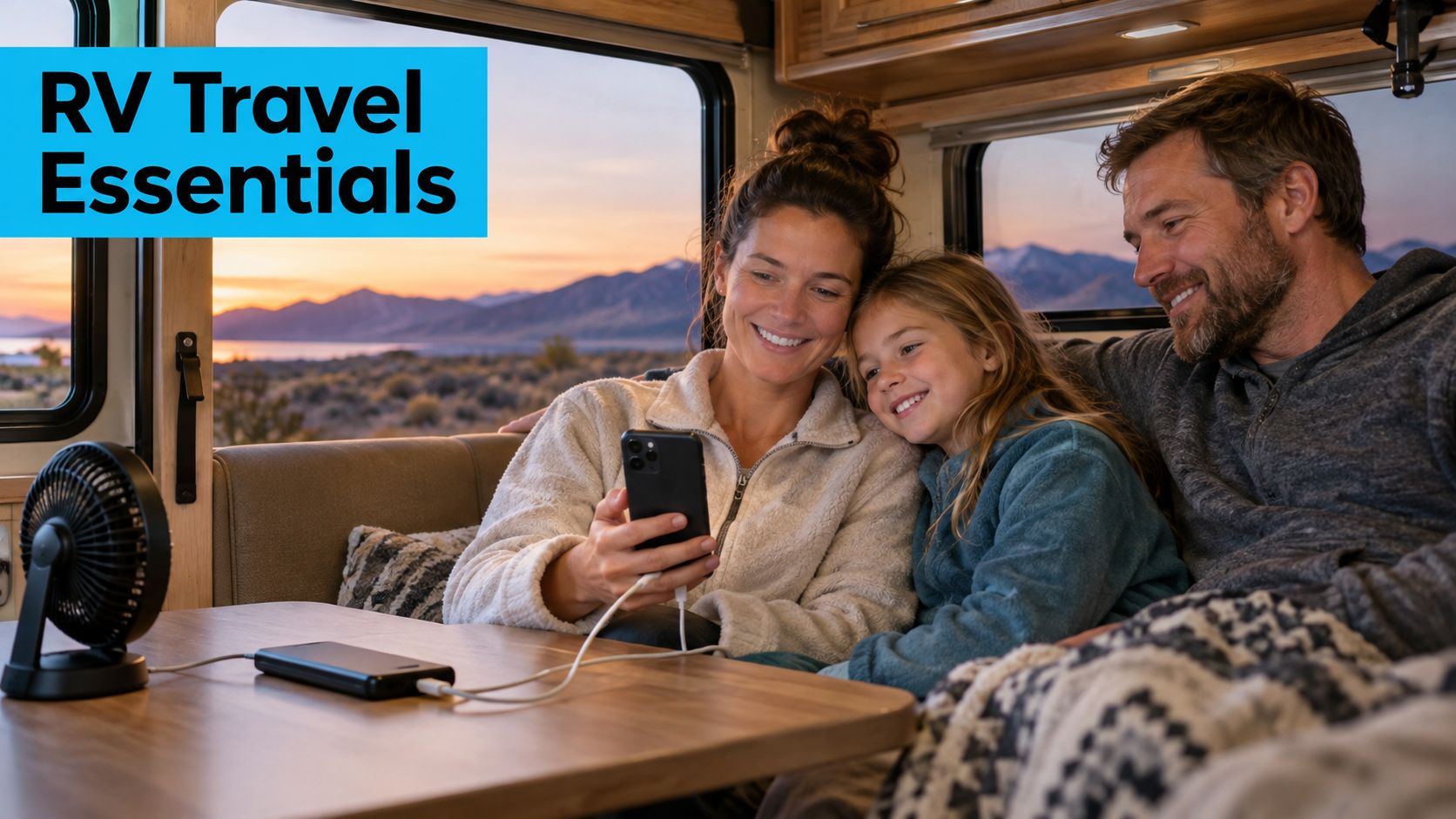
The useful categories are simple: connectivity equipment, portable power and monitoring, safety and navigation technology, and comfort-focused accessories. Judge everything else against those four buckets, the same way packing cubes help you decide what actually fits before you zip the bag.
A useful RV gadget should be portable, durable, compatible with the electrical system, and worth its weight in daily use.
That rule matters because RV space is tight. Every extra cord or device adds weight, heat, and setup time. A phone hotspot may be plenty for one traveler, while a dedicated router suits a family streaming, working, and studying at once. Selection should follow travel style, not impulse.
Start With Purpose First
Before buying, ask what problem the gadget fixes. If it doesn't clearly improve safety, signal strength, battery life, or cabin comfort, it probably belongs back on the shelf.
A simple buying filter helps:
- Purpose, it should solve one clear issue, like dead zones, warm nights, or low battery anxiety.
- Portability, it should be easy to move, store, and reset at the next stop.
- Durability, it should handle vibration, heat, and travel wear.
- Compatibility, it should match the RV's power system and your current gear.
- Power demand, it should not drain batteries faster than you can recharge them.
Match the Gear to the Trip
Weekend campers usually need only the basics. Remote workers need stronger internet hardware and more careful power planning. Full-timers tend to need a layered setup, because their RV doubles as a home office and a living room.
That's the logic behind this guide. Rather than buying every shiny accessory that catches your eye, you'll learn how to choose RV gadgets that fit your mileage, your devices, and your comfort expectations, then build from there.
RV internet works best when you think of it like electricity in an early RV. At first, power was a bonus. Now it's part of how the rig functions, and connectivity has reached the same point for many travelers.
A phone hotspot is the simplest starting point, like borrowing a flashlight from your pocket. It's handy for quick email checks or map updates, but it can run out of steam fast when multiple people are online.
A dedicated mobile hotspot gives that job to its own device, which usually means steadier performance and less battery drain on your phone. A 5G router goes a step further, acting like a small internet hub for laptops, tablets, TVs, and smart gear inside the RV.
The Roles Of Each Connection Option
An external antenna is the part that helps the setup hear the cell tower more clearly, especially when the signal is weak or blocked by trees, hills, or campground clutter. Think of it as moving from cupping your ear to using a proper hearing aid — the message gets through with less strain.
Campground Wi-Fi can be useful, but it often behaves like a crowded diner at lunch, lots of people waiting on the same kitchen. Even if the advertised speed sounds good, performance can drop when the network is busy.
Signal quality matters more than headline speed, because congestion, coverage, and device count shape the real experience.
| Option | Best For | Main Tradeoff |
|---|---|---|
| Phone hotspot | Light use | Fast to start, limited capacity |
| Dedicated hotspot | Solo or small-group use | Separate device to charge |
| 5G router | Work, streaming, multiple users | More planning and cost |
| External antenna | Weak or inconsistent signal | Needs proper placement |
Why Conditions Change So Much
Coverage can shift from one county to the next, and the same route can feel very different across states or national borders. That means a plan that works well near one tower may struggle the moment the available network changes.
A traveler who crosses regions should ask how the service behaves when the strongest carrier changes, because rural coverage is never uniform. The same is true at campgrounds, where one loop may have a usable signal and another may feel miles away from the router.
Key factors to weigh include:
- Signal strength, because bars alone don't tell the whole story.
- Network congestion, because crowded towers slow down even strong connections.
- Device count, because more screens and work tasks need more capacity.
- Data needs, because streaming and remote work consume far more than basic browsing.
Building A Layered Setup
A layered setup usually blends campground Wi-Fi, cellular data, and better hardware for the moments when one source fails. That approach gives you a backup plan instead of betting the whole trip on one connection.
For most RV travelers, the smart move is to choose internet gear during early trip planning, not after buffering, dropped calls, or a missed work meeting prove the need. The right gadgets for RV connectivity should support how you travel, where you go, and how many people rely on the signal.
If you want a deeper look at real RV internet setups, watch this quick walkthrough and use it to compare what fits your next trip.
Plan your next route with connectivity in mind, compare the gear before you leave, and keep your gadget stack ready for changing networks. When you're ready to build a setup that fits your RV, your travel style, and your data habits, explore your options and choose the equipment before the road chooses for you.
The simplest way to think about gadgets for RV internet is to picture a ladder. A phone hotspot is that first rung — fast to grab, good enough for a quick stop. Climb higher, though, and you'll want a dedicated router and an external antenna to keep up.
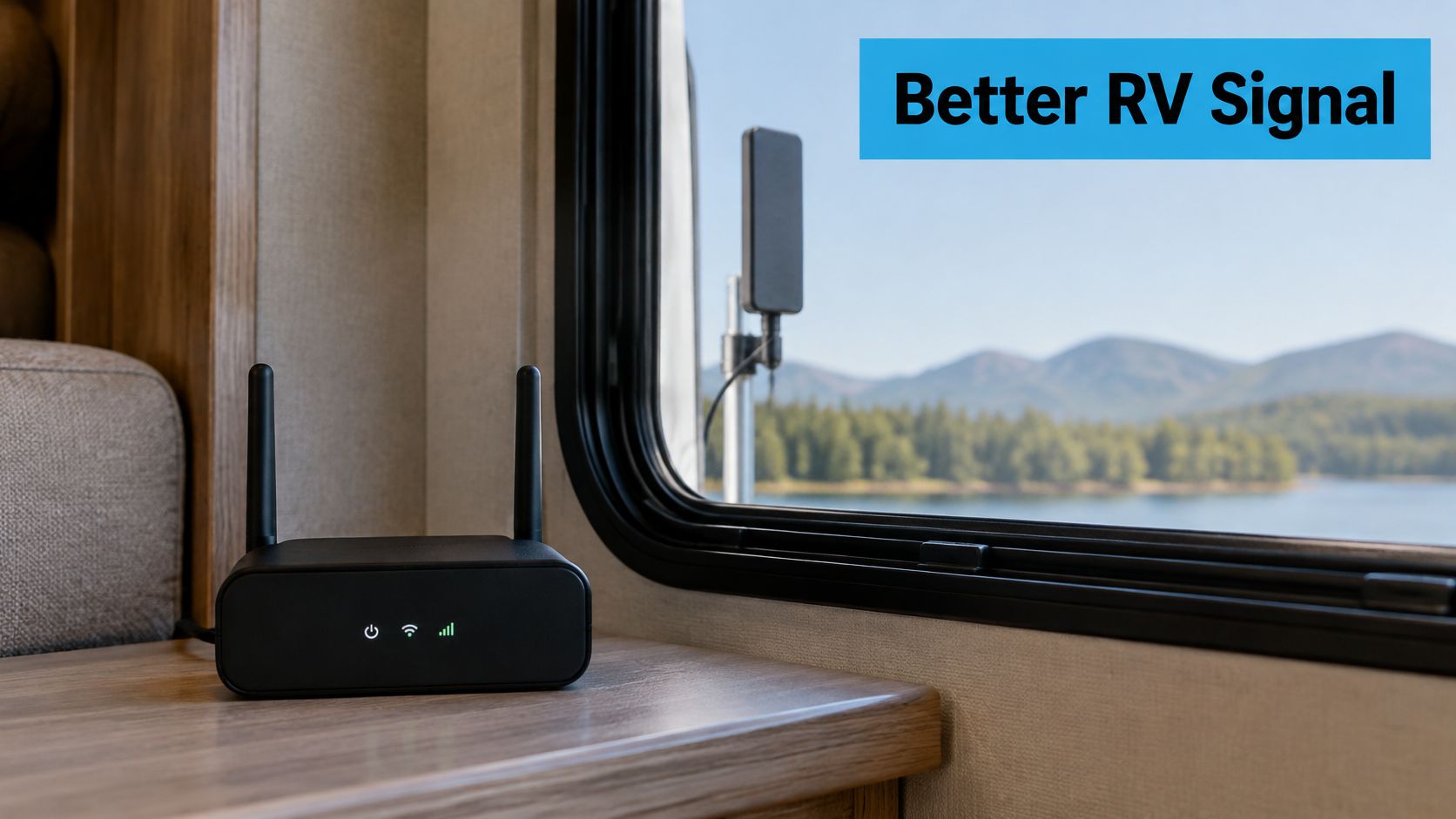
A phone hotspot handles maps, email, and weather without complaint. Then the dinette fills up — one laptop, one stream, one kid on a video lesson — and that little connection starts to feel cramped.
A dedicated 4G hotspot or 5G router gives your rig its own internet hub instead. Think of a campground power pedestal: one source, several appliances drawing from it at once. That's what RV life does to a signal.
Choose Capacity Before Speed
More bars don't always mean a better experience. A crowded tower or a weak pocket of coverage will drag down even a fast plan.
The best setup is the one that matches your device count, your route, and your data habits — not just the one with the highest advertised speed.
Here's a simple way to sort the main options:
| Option | Best Use Case | Power Needs | Device Capacity | Ideal Traveler Profile |
|---|---|---|---|---|
| Phone hotspot | Light browsing and quick checks | Low, uses phone battery | Few devices | Solo travelers and occasional users |
| 4G hotspot | Everyday browsing for a small group | Moderate | Several devices | Couples and weekend travelers |
| 5G router | Work, streaming, and multiple users | Higher, usually needs steady power | More devices, centralized control | Families and remote workers |
| External antenna setup | Weak or blocked signal areas | Depends on router | Improves the whole system | Boondockers and rural travelers |
Why Antennas Change The Picture
An external antenna is like opening a wider window. Your router stops straining through walls and clutter and gets a cleaner path to the towers nearby.
The terms MIMO, band locking, and carrier aggregation sound technical, but the idea is simple. MIMO is using more than one lane on the highway. Band locking is picking the lane that moves best. Carrier aggregation combines lanes to push more traffic through at once.
For a deeper look at router choices, read our guide on RV internet router options and setup basics.
Match The Hardware To The Road
Antenna placement matters, because a bad mount can cancel out a good device. Router, antenna, and carrier bands all have to cooperate, or the whole thing behaves like a radio with a loose dial.
When you compare service plans, run this checklist:
- Coverage, especially along the routes you actually drive.
- Data allowance, so streaming and work don't run out early.
- Mounting options, including RV-safe placement and cable routing.
- Compatibility, with your router, antenna, and preferred carrier.
- Power draw, so your setup fits your battery or shore power plan.
That last check keeps the system practical — which is what matters when you're picking RV gadgets for real travel, not showroom use.
A strong signal means nothing if your gear keeps dying. Picture your RV as a small off-grid cabin. Every device inside relies on three flows: energy coming in, energy stored, and energy used.
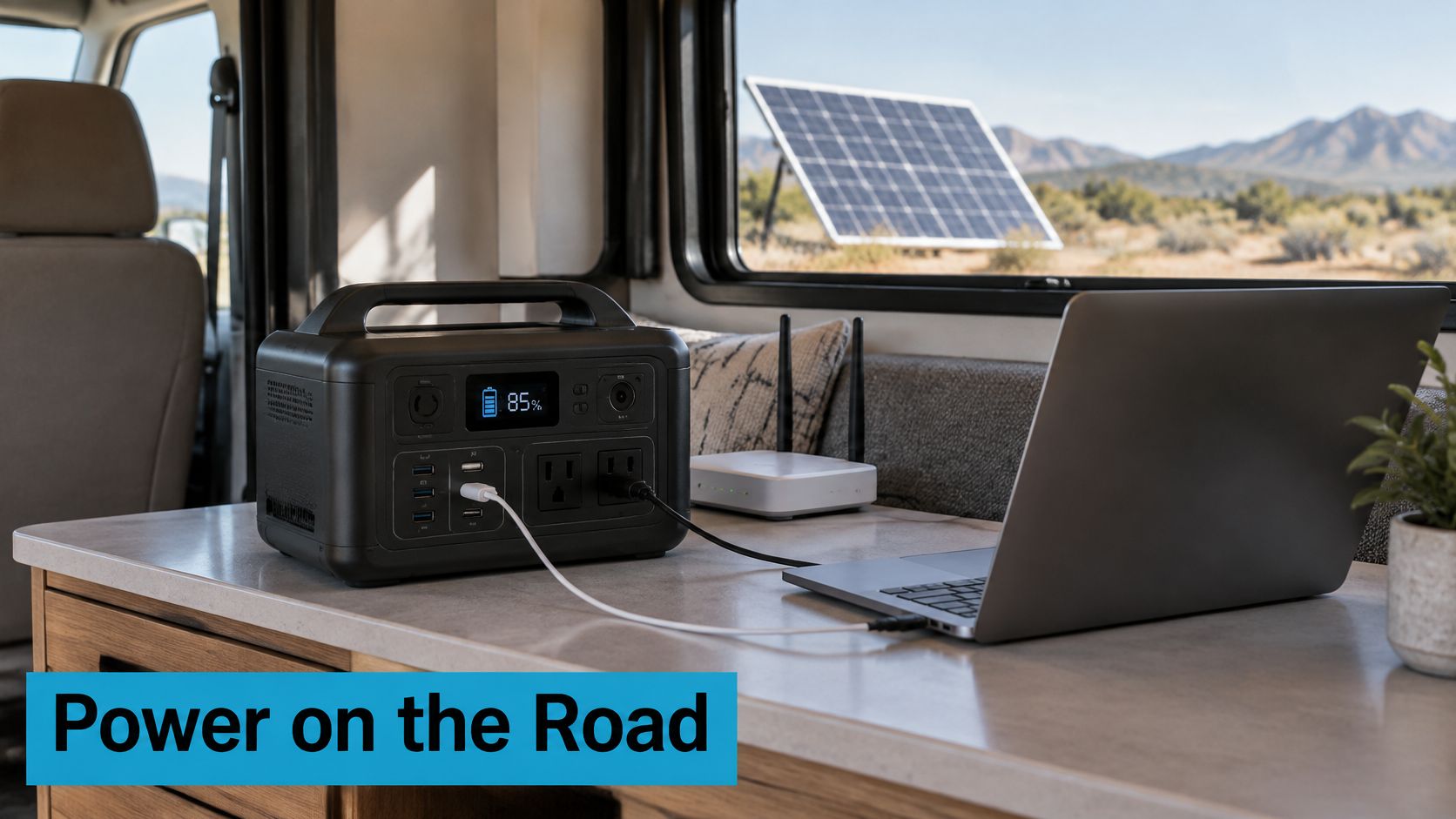
That energy arrives from shore power, solar panels, or your alternator. From there it sits in house batteries or a portable power station, waiting to be spent on routers, laptops, lights, televisions, and every small gadget that makes life on the road feel normal.
Know What Each Power Tool Does
A portable power station is the simplest place to begin. It's self-contained, basically a suitcase battery with outlets, and it suits travelers who want plug-and-play backup without learning a full electrical layout.
A pure sine wave inverter is what you want when sensitive electronics need to run smoothly. It delivers power that behaves more like what comes out of a household socket, which cuts down on odd noise, heat, and glitches.
Solar works like a slow-drip water bottle. It refills the battery bank over time, but only if you're realistic about sun, roof space, and how much you actually consume each day.
The right gadget isn't the one with the biggest number. It's the one that fits your charging path, your load, and your travel rhythm.
Still weighing battery options? This guide to choosing the best RV trailer battery is a solid next step.
Compare the Specs That Actually Matter
When you're picking portable power for connected RV devices, a multi-outlet power strip can help organize and safely spread power across the whole setup. For a practical example, see the commercial power strip guide.
| Selection Factor | Why It Matters | What To Look For |
|---|---|---|
| Usable capacity | Tells you how long devices can run | Enough watt-hours for your real daily load |
| Inverter output | Prevents overloads | Higher than your largest device surge |
| Port variety | Keeps adapters to a minimum | USB, AC, and 12V ports |
| Recharge time | Affects daily convenience | Fast enough for your driving or solar window |
| Weight | Affects storage and portability | Light enough to move and lift safely |
| Compatibility | Avoids wasted money | Matches your current RV electrical setup |
Match The System To The Load
A modest connectivity setup might only run a router and a laptop, so a smaller station does the job. Add a satellite dish, an entertainment center, or all-day streaming, and your energy budget grows fast.
That's why two RVs can buy the same gadget and get wildly different results. One traveler needs a pocketknife. Another needs a toolbox.
Run this quick budgeting exercise before you buy:
- List every device you want to run.
- Add the watts or charging demand for each one.
- Estimate how many hours you need them each day.
- Check whether your battery, inverter, or power station can cover that total.
- Add a margin for cold weather, cloudy days, or surprise phone charging.
If the math feels tight, scale the setup before you shop. The best gadgets for RV power keep your connection alive without making the rest of the rig harder to manage.
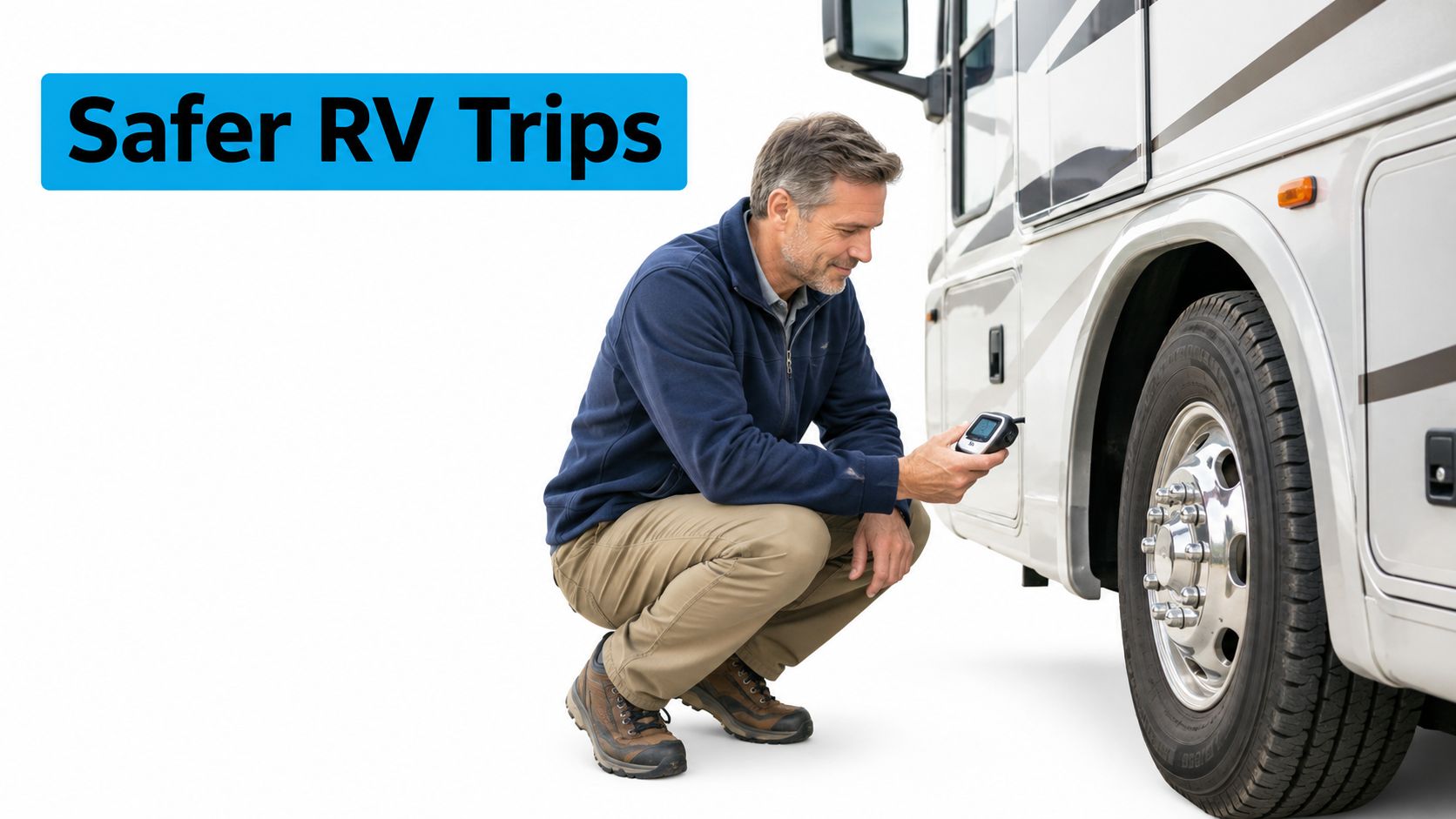
Safety gear is the part of RV gadgets that feels boring right up until it saves a trip. A tire pressure monitor, for instance, works like an early whisper from the road, warning you before a slow leak turns into a ruined tire.
The best RV accessory is often the one that notices trouble before the driver does.
Picture pulling into a rest area on a windy afternoon and catching a TPMS alert from one trailer tire. A quick check turns up a nail and a gradual pressure drop, so you can stop, inspect, and repair it instead of discovering the problem miles later on the shoulder.
Safety Gadgets That Earn Their Keep
A backup camera shows the driver what mirrors miss, especially when parking near posts, picnic tables, or other rigs. Carbon monoxide and propane detectors do a different job, they watch for invisible hazards that can build up quietly inside a closed cabin.
A weather alert radio earns its place when cell coverage fades and storms move faster than the forecast. For more on getting the rig level before you settle in, see our guide on how to level an RV.
When shopping, treat these details as seriously as the feature list:
- Installation should fit your skill level and your RV layout.
- Vibration resistance matters because rough roads shake loose weak mounts.
- Temperature tolerance matters in hot storage bays and cold mornings.
- Storage space matters when a gadget has to travel with you after setup.
Navigation For Bigger Rigs
RV navigation tools are not just phones on a dashboard. They account for height, length, weight, and turn radius, which is a lot like choosing a route for a moving house instead of a sedan.
That difference keeps you away from low bridges, tight roads, and missed turns that are hard to recover from. It also makes arrival less stressful, especially when daylight is fading and the campground entrance is narrow.
Comfort Gear That Solves Real Problems
Comfort gadgets should answer a specific complaint, not just fill an outlet. Smart temperature controls help keep the cabin steadier, tank sensors reduce guesswork, 12-volt fans move air where the roof vent cannot, and compact dehumidifiers help manage moisture in damp weather.
A portable fan can improve comfort in an RV, but its power source, airflow, and battery life should match your travel setup. For a helpful comparison, see these camping fan power options.
Prioritize By Trip Type
If you mostly take short weekend trips, start with TPMS, detectors, and backup visibility. For longer or rural trips, add weather alerts, navigation, and temperature control.
- Essentials for every trip, TPMS, carbon monoxide detector, propane detector, backup camera.
- Strongly recommended for rural or long-haul travel, RV GPS, weather alert radio, tank sensors.
- Optional upgrades for comfort-focused trips, smart climate controls, fans, and compact dehumidifiers.
Choose the gear that keeps you informed first, then comfortable, then entertained.
The most common mistake people make with gadgets for RV travel is buying by headline instead of by fit. A device can look impressive on the shelf and still let you down if it doesn't match your signal path, your charging plan, or the way you actually camp.
Think of an antenna paired with an incompatible system as shouting into a pillow. You're making plenty of noise, but the message isn't reaching anyone.
Don’t Confuse A Stronger Spec With A Better Setup
A stronger antenna isn't automatically the best antenna. If your router can't use the right bands, or the placement is poor, you've paid for an upgrade that doesn't feel any faster.
The same logic applies to 5G-capable phones and dedicated 5G routers. A new phone can make a solid hotspot, but it isn't the same as a purpose-built router designed to serve several devices over long stretches.
Compare compatibility before specifications, because the whole system matters more than the biggest number on the box.
Campground Wi-Fi deserves the same caution. It's helpful when it works, but it's never a guaranteed connection, and it shouldn't be treated like a utility you can count on.
Check The Whole Path Before You Buy
A good purchase test is simple: start with the source, then the hardware, then the use case. If any one piece is weak, the whole setup feels weak.
Run this quick filter before anything goes in your cart:
- Signal source, will the carrier or campground network actually reach your stop?
- Device compatibility, do your router, antenna, or hotspot support the same needs?
- Power path, can you charge or run the gear for the full trip?
- Device count, will everyone on board be online at once?
- Travel style, is this a weekend stop, a remote work setup, or full-time use?
Avoid Oversizing Power Without A Plan
A bigger power station can feel like the safer choice, but extra size usually means extra weight, cost, and charging time. When the inverter capacity, recharge speed, or available inputs don't match your trip, you end up hauling a large battery that's hard to refill.
It's like dragging around a giant tank that's tough to top off. It looks capable, right up until your charging window is short.
Choose Reliability Over Novelty
The best rule of thumb is to test the complete system, not just the label on the box. A setup that works on paper but fails at the campground is the wrong setup.
For gadgets for RV buyers, reliability beats novelty every time. Before you spend, compare the gear, test the plan, and pick the option that keeps your trip steady instead of flashy.
If you're ready to fine-tune your RV setup, review your current gear one piece at a time and replace the weak links first.
The best gadgets for RV travel behave a lot like a smart packing list: they fit the trip instead of fighting it. Move your rig every weekend and you'll want a very different setup than someone parked for months at a time. That gap comes down to three things — how often you drive, how many people need to be online, and whether work or school rides on a stable connection.
Weekend Travelers Need The Basics
Short trips call for a light system. A dependable phone hotspot or mobile hotspot, a modest power reserve, and the safety monitoring essentials usually cover the real pain points without stuffing every cabinet or draining the batteries.
Think of it as grabbing a flashlight, not hauling a toolbox. You want just enough gear to dodge frustration — not so much that setup turns into a chore before the fun even starts.
A weekend setup really only has to answer three questions:
- Can everyone check maps, messages, and weather?
- Will the router, fan, or detector stay powered through the stay?
- Are the tires, propane, and cabin conditions being watched?
The goal isn't to rebuild a house on wheels. It's to remove avoidable friction so the trip stays easy.
Remote Workers Need A Stronger Core
When your RV doubles as an office, the setup needs more backbone. A dedicated router, an external antenna, and a larger portable power solution earn their keep, because dropped calls and weak signals carry real consequences once meetings and deadlines are on the line.
In practice, that means gear built to handle several devices at once rather than a single phone. A router is the kitchen sink of the whole system: it gathers traffic from laptops, tablets, and streaming devices, then gives them one organized home.
Full-Time RVers Benefit From Layers
Full-timers tend to need the most complete setup. Layered connectivity, battery monitoring, solar charging, and well-chosen comfort gear add up to a system that keeps working as weather, routes, and campgrounds keep changing.
A layered system works a lot like carrying spare keys. You hope you never need every option at once, but the moment one path fails, the next one is already waiting.
Compare Your Travel Profile
| Travel Style | Best Fit | Why It Works |
|---|---|---|
| Weekend traveler | Hotspot, small battery backup, safety basics | Simple, portable, quick to set up |
| Remote worker | Router, antenna, larger power station | Better for steady work and multiple devices |
| Full-time RVer | Layered internet, solar, battery monitoring, comfort gear | Built for frequent use and changing conditions |
Use A Final Prepurchase Checklist
Before you buy, run through fit, power draw, data needs, weather resistance, installation, and return options. Get one piece wrong and the whole setup can end up feeling oversized or underpowered.
That last pass is what keeps you from buying gadgets that look great online but turn into clutter in the rig. For gadgets for RV travel, the best pick is the one you'll actually use, trust, and enjoy on the road.
A phone hotspot can carry a long trip if your needs stay light — maps, email, the occasional browse. Add streaming, remote work, school, or a second traveler, though, and it starts behaving like a single kitchen faucet at a busy campground.
Rural campground speed depends less on a big number than on signal strength, tower congestion, device count, and data demand. A strong plan can still crawl when the nearest tower is loaded, so test how service performs where you'll actually park.
A better signal path often matters more than a bigger speed claim.
An external antenna usually earns its keep in weak or blocked spots, since it gives your router a cleaner path to the tower. Picture swapping a cracked window for an open doorway — same connection, far less strain getting it inside.
Estimating power is simpler than it sounds. List each device, note its watts, multiply by hours of use, then stack that total against your battery, inverter, or power station capacity. Leave a cushion for cold snaps, cloudy days, and surprise charging.
Before you lean on any setup, run the whole system at home or on a short trip. That way your gadgets for RV travel hold up for work, school, navigation, and emergencies — not just on paper.
Ready to compare plans and gear built for real travel? Visit SwiftNet Wifi at https://swiftnetwifi.com. #rv #rvlife #rvliving #rvlifestyle #rvrenovation #rvremodel #rvtravel #rvcamping #rvadventures #ruralwifi #5gwifi #5ginternet


