

You're parked where the map turns pale, your laptop is open, and the video call keeps freezing every time someone walks through the RV. In a rural home, the same problem might appear as a weak signal in the back bedroom, even though the internet plan itself looks fast on paper. That's when the question becomes practical, not theoretical: should I buy my own router, or is the provider's gateway good enough?
For RV travelers and rural households, the answer depends on more than monthly fees. You need to consider cellular bands, carrier restrictions, antenna options, mesh expansion, placement, support, and what happens when you move from one coverage area to another. A router that works well in a suburban living room may be a poor fit for a metal motorhome or a farmhouse far from the nearest wired broadband connection.
The Reality of RV and Rural Internet Hardware
A weak connection often gets blamed on the data plan first. In practice, the hardware between the incoming connection and your devices can be just as important. A rural gateway may receive a usable cellular signal near a window but broadcast weak Wi-Fi to the office on the other side of the house. In an RV, the router may sit inside a cabinet surrounded by wiring, appliances, and dense vehicle materials, while the device you need is several feet away in the bedroom or outside under the awning.
A router has a specific job. It takes the usable connection from a modem, fiber ONT, hotspot, or cellular gateway and distributes it to your phones, computers, televisions, cameras, and other devices. The practical distinction between a modem and router is explained in this guide to router purpose and network distribution, but the field lesson is simple: the incoming signal and the indoor Wi-Fi network are related, not identical.
An ISP-supplied gateway usually wins on convenience. The provider knows the device, can activate it remotely, and may replace it when there's a hardware problem. That arrangement can be perfectly reasonable for a fixed home with strong service and modest coverage needs. It becomes less attractive when the gateway is locked to one carrier, has limited antenna support, or can't reach the part of the RV or rural property where you work.
Signal strength is only part of the setup
Mobile users deal with changing towers, terrain, congestion, weather, and campsite positioning. A router can't create coverage where the carrier has none, and a larger Wi-Fi system can't repair a poor cellular connection entering the vehicle. It can, however, help you place the receiving hardware more effectively, use external antennas where supported, and distribute the connection more evenly inside.
Practical rule: Buy hardware to solve a clearly identified limitation, not because a newer Wi-Fi label sounds faster.
The best ownership decision usually starts with a problem statement. If the ISP gateway drops frequently, can't cover the rear of the coach, won't accept the carrier or SIM arrangement you need, or lacks the controls required by a busy household, a dedicated router may be justified. If it already delivers stable service everywhere you use it, ownership may add maintenance without adding meaningful value.
The True Cost of Renting Versus Buying
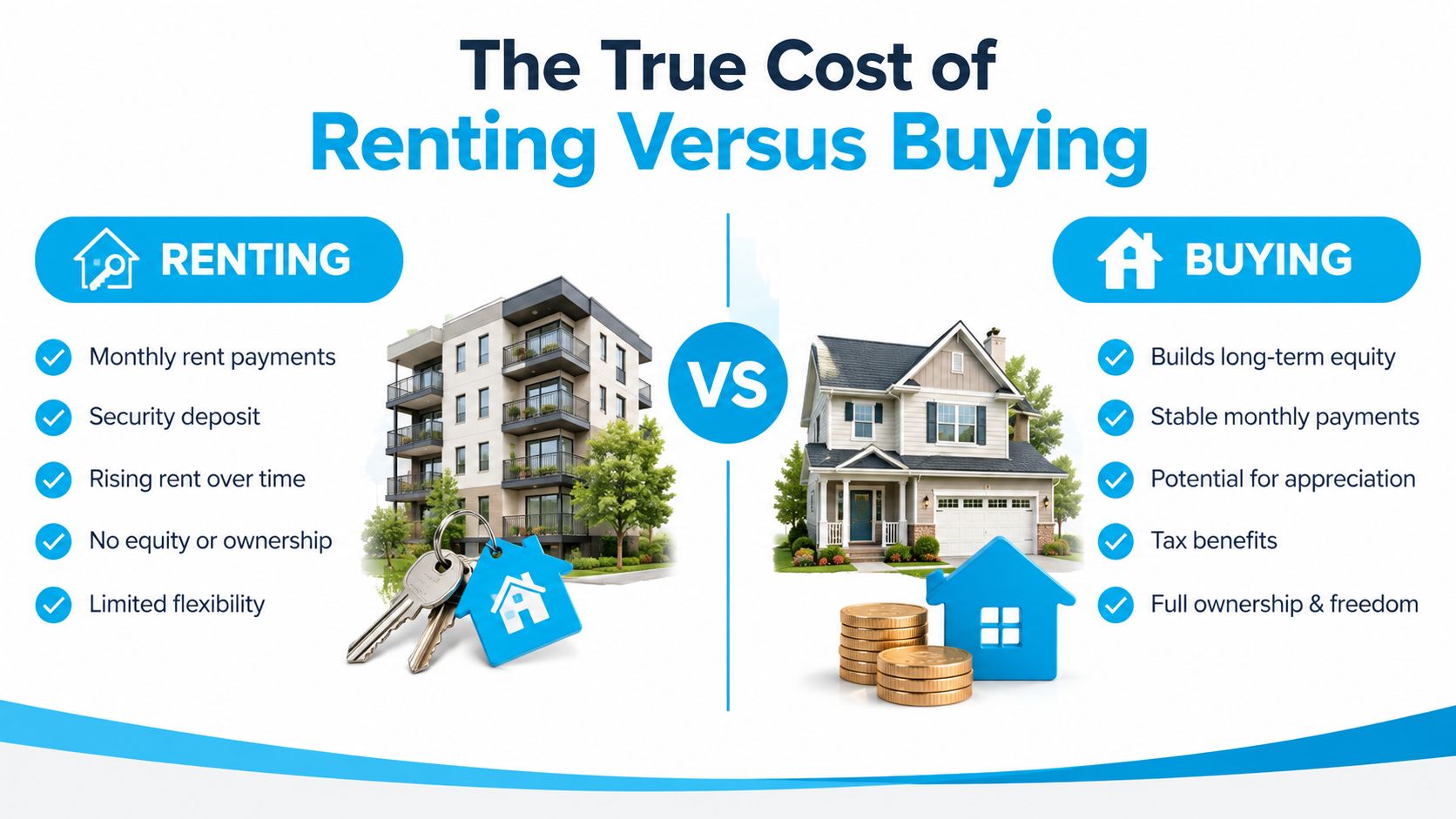
Rental fees can look minor on an internet bill, yet they continue as long as the provider owns the equipment. The Benton Institute's account of the federal equipment-fee change explains that the Television Viewer Protection Act of 2019 made it unlawful for broadband and TV providers to charge rental fees for customer-owned equipment. The FCC delayed enforcement until December 20, 2020, following an April extension related to the pandemic.
That source reports an average U.S. Wi-Fi router rental fee of $6.13 per month, or about $73.56 per year before taxes and other charges. Its dataset also recorded an average monthly Wi-Fi router rental fee of $3.56. In higher-fee markets, median Wi-Fi router and modem rental fees reached $5 and $13, respectively. Your bill may differ, but recurring equipment charges can materially raise the cost of service.
Calculate the decision with your own bill
Use four figures:
- Rental total: Multiply the equipment fee by the months you expect to keep the service.
- Ownership total: Add the router price, shipping, accessories, antennas, and any separate modem or cellular hardware.
- Risk allowance: Include the possible cost of replacing equipment after a failure outside the provider's support arrangement.
- Portability value: Check whether the device will work with your next ISP, SIM, or travel plan.
Before buying, verify compatible modems for your provider, especially if the connection uses a separate modem and router.
A rural homeowner who expects to keep one connection for years may gain more from ownership than an RV traveler who changes providers frequently. RV users also need to account for carrier lock-in. A gateway tied to one service can become a stranded purchase if coverage changes or a better plan uses another network. A mobile router that works across carriers costs more in some cases, but it can remain useful across compatible carriers and travel setups.
Convenience has a price beyond the fee
Renting can still be practical. The provider handles activation, compatibility, firmware management, and replacement. That support matters at a remote campsite, where diagnosing a gateway during a workday is an avoidable distraction.
Buying transfers those tasks to you. You must confirm compatibility, install updates, secure the network, and identify whether a fault involves the ISP, modem, router, antenna, or carrier. For mobile users, mesh expansion can also add hardware and setup costs when one gateway cannot cover the whole RV. A mesh system improves indoor distribution, but it does not fix weak cellular service reaching the vehicle.
The federal rule protects customers who use their own equipment from being charged for that choice. It does not guarantee that every device will work with every connection type. If the ISP continues supplying equipment, return it properly and confirm that the rental fee has been removed from your bill.
Performance and Coverage Differences Explained
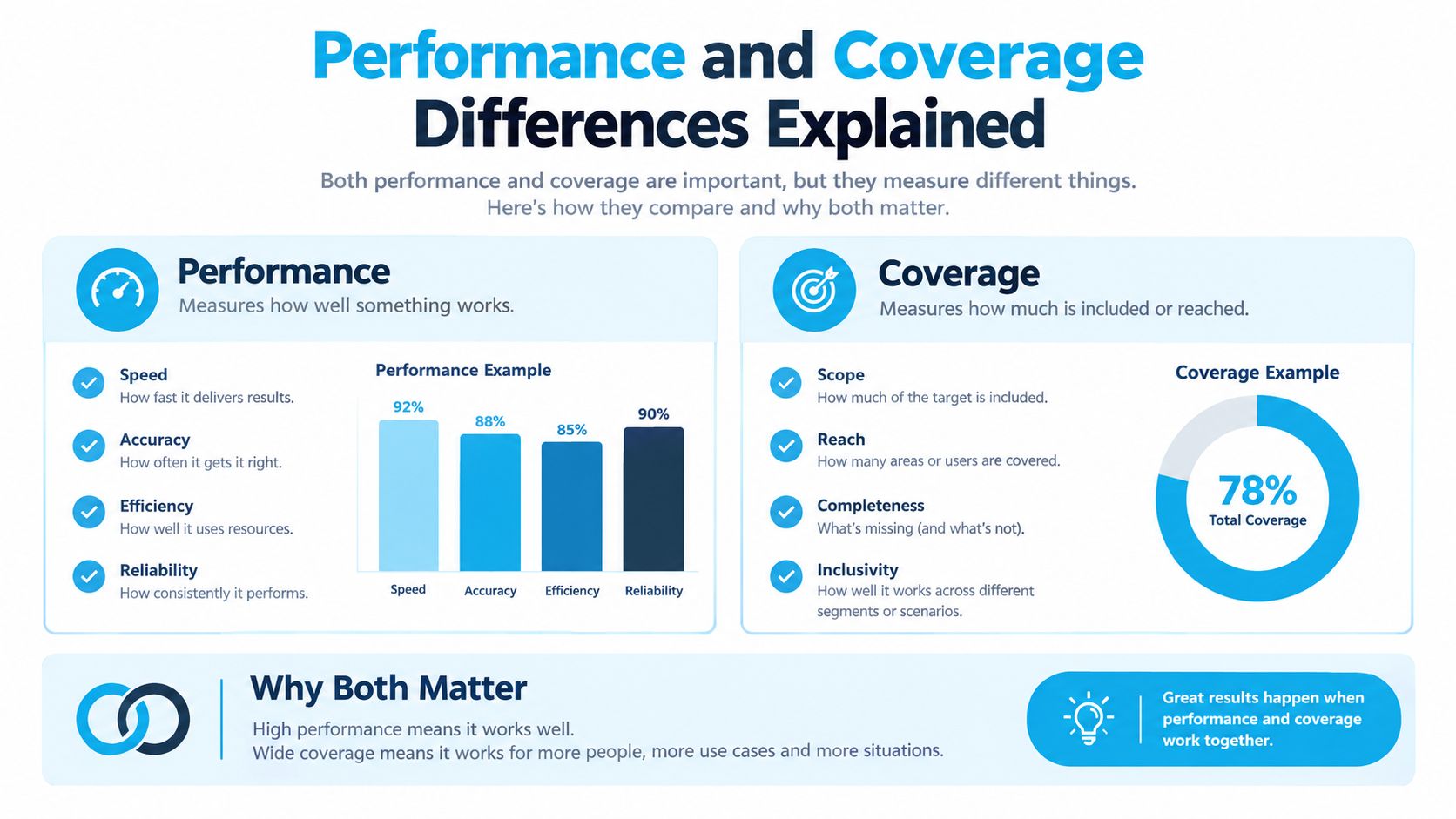
A faster plan won't automatically improve Wi-Fi in the back of an RV. The router has to move data efficiently to the client device, and the signal has to survive distance, walls, floors, cabinetry, and interference. A gateway placed beside the incoming connection may perform well in a speed test while the bedroom television, desk, or outdoor workspace receives a much weaker connection.
Independent testing of Wi-Fi 6 routers found that many delivered roughly twice the throughput of comparable Wi-Fi 5 client setups on the 2.4 GHz band. In real homes, close-range Wi-Fi 6 performance reached over 400 Mbit/s, while older Wi-Fi 5 clients could fall to roughly 250 Mbit/s in the same room and drop much lower through walls or floors, as documented in SmallNetBuilder's Wi-Fi 6 performance testing.
Throughput isn't the same as coverage
Wi-Fi 6 uses the IEEE 802.11ax standard and operates on the 2.4 GHz and 5 GHz bands. Wi-Fi 6E adds the 6 GHz band, as summarized by Keenetic's Wi-Fi 6 and 802.11ax overview. Newer standards can improve efficiency with compatible devices, but they don't repeal radio physics. The best band depends on distance, obstructions, device support, and local interference.
A 2.4 GHz signal generally travels more effectively through obstacles, while 5 GHz can provide more capacity at shorter range. The 6 GHz band can be useful in compatible environments, but it isn't a universal fix for a distant room or a heavily obstructed vehicle. A router with strong placement and suitable client support often beats a technically newer router hidden in a poor location.
Test where the connection matters
Run tests beside the router, then repeat them at the work desk, bedroom, television, and any outdoor area you regularly use. Test with the devices that matter, because an older laptop or streaming stick may not support the router's newest features.
Mesh systems help when one access point can't cover the structure. In an RV, though, a wired or carefully positioned mesh node may be more dependable than a wireless satellite trying to relay through dense walls. Wireless backhaul consumes some of the available capacity, and a mesh system can't overcome a weak cellular signal at its main gateway. Ethernet, where practical, gives the second node a cleaner path.
Customer-owned equipment also scored better in a cited satisfaction study for restart speed, 74 versus 69; reliability, 75 versus 71; and range, 75 versus 72, while security satisfaction was nearly identical at 75 versus 74, according to the data summarized in this HomeNetworking discussion. Treat those figures as directional, not a guarantee for your floor plan. Your result will depend on placement, construction, clients, and the incoming service.
Evaluating Your Specific Connectivity Needs
A weekend at a crowded campground, a rural home office, and a full-time RV setup can need very different hardware. Start by identifying the service entering the property or vehicle. Cable users may be able to replace both modem and router, while fiber users generally keep the provider's ONT and replace only the router connected to it. Cellular users must check modem capability, supported carrier bands, SIM policy, antenna connectors, power requirements, and whether the device is tied to one provider.
Next, locate the actual coverage problem. A short RV may need one router placed near the strongest exterior signal. A larger motorhome or rural house may need mesh expansion, preferably with wired backhaul where practical. Weak Wi-Fi, poor incoming cellular reception, an incompatible client, and inadequate backhaul require different fixes, so do not buy a mesh kit until you know which problem you are solving.
Match the hardware to the lifestyle
| User Profile | Primary Need | Recommended Hardware Type |
|---|---|---|
| Weekend RV traveler | Simple setup and dependable local Wi-Fi | Compact carrier-flexible cellular router or provider gateway |
| Full-time RV worker | Carrier flexibility, external antenna support, and stable indoor coverage | Carrier-flexible 5G-ready router with suitable antenna options and mesh expansion |
| Rural home office | Reliable coverage between work areas | Dedicated router with wired access-point or mesh capability |
| Rural household with many devices | Guest access, traffic controls, and device management | Feature-rich Wi-Fi 6 or Wi-Fi 7 router, if client devices support it |
| Occasional backup user | Fast deployment during wired outages | Portable hotspot or cellular router with a separate Wi-Fi network |
| Low-speed fixed connection | Basic distribution without overbuying | Compatible router matched to the actual service tier |
Ask these questions before purchasing
- Where does the incoming signal work best? Test near windows, exterior walls, and high positions, then compare results with the gateway at the intended indoor location. For cellular service, receiving signal at the strongest point and distributing Wi-Fi indoors may work better than placing the router beside the desk.
- Do you need one carrier or several? An ISP-locked gateway can suit a fixed address, but travelers may benefit from hardware that supports the carriers and bands used along their route. Check SIM requirements before buying, because carrier flexibility depends on both the router and the service plan.
- Will mesh solve the problem? Mesh improves indoor coverage between rooms or sections of an RV. It cannot correct carrier congestion or weak tower reception. Improve the main cellular connection first through placement or compatible external antennas, then add a wired or carefully positioned mesh node if coverage remains limited.
- Who will maintain the system? Ownership gives you control over settings and upgrades, while also making you responsible for firmware, passwords, resets, and troubleshooting. Provider equipment may be worth the convenience when you need fewer tasks during travel.
Choose hardware slightly above your current requirement, not far beyond it. Match WAN capability to the service plan, confirm that the router can handle your devices comfortably, and account for the extra cost of antennas, mesh nodes, adapters, or a second cellular plan before comparing purchase prices.
Navigating the Shift to 5G and Cellular Networks
Cellular internet changes the ownership question because the router may travel with you. A fixed ISP gateway is usually designed around one service relationship and one installation. A mobile router can offer more control over SIM selection, carrier flexibility, antenna placement, and portability, provided the hardware supports the networks and bands you intend to use.
Market projections point toward continued expansion. Wireless router demand is projected to reach USD 16.49 billion in 2026, with cellular platforms forecast to grow faster than traditional fixed-line categories, according to Mordor Intelligence's wireless router market analysis. For an RV owner, that trend matters less as a headline than as a warning about upgrade timing. Cellular hardware can become outdated when carrier requirements, supported bands, or network policies change.
5G capability needs a reality check
A router labeled 5G won't guarantee 5G service at every campsite or rural address. Coverage, tower load, terrain, building materials, carrier policy, and antenna placement still determine the connection you receive. In some locations, a well-positioned 4G connection can be more useful than a 5G signal that fluctuates constantly.
Compare the practical details:
- Carrier compatibility: Check the supported networks and bands, not just the 5G logo.
- Unlock status: Confirm that the device isn't restricted to one carrier or plan.
- Antenna support: External connectors can matter when the best signal is outside the RV or near a high window.
- Power design: RV users need stable operation from their available electrical system, with sensible restart behavior after power interruptions.
- Local Wi-Fi: The cellular modem can be excellent while the internal Wi-Fi coverage remains inadequate, so check mesh and wired expansion options.
A cellular router purchase should be judged over the period you expect to travel with it. Don't pay for advanced capability that your devices can't use, but don't choose a carrier-locked box if changing networks is central to your travel plan. The practical comparison between newer and older mobile networks is covered in this guide to 5G speeds versus 4G.
Next Steps for Upgrading Your Network Setup
Before ordering, write down the exact connection type and equipment already installed. Confirm whether you need a cable modem, a router behind a fiber ONT, a cellular modem-router, or a separate access point. Check the ISP's compatibility requirements and make sure the router's WAN connection can handle the service you pay for.
Use this purchase sequence:
- Identify the bottleneck. Test the connection at the router and at the locations where you work, stream, or sleep. A difference between those locations points toward Wi-Fi coverage or placement, not necessarily the ISP plan.
- Confirm flexibility. For cellular use, verify operation, carrier compatibility, supported bands, SIM requirements, antenna connections, and power needs. For wired service, confirm modem approval or router compatibility before buying.
- Plan the layout. Keep the primary router clear of cabinets, appliances, and dense obstructions. Place mesh nodes where they still receive a strong connection from the main unit, or use Ethernet backhaul when the RV or home allows it.
- Secure the network. Change the default administrator credentials, create a strong Wi-Fi password, enable available security updates, and separate guests or smart-home devices when the router supports those controls.
- Close the rental loop. If you're replacing provider equipment, return the gateway through the ISP's approved process, retain the receipt, and check a later bill to ensure the equipment fee has disappeared.
SwiftNet Wifi offers a 5G Diamond Router plan with customer-owned router hardware, alongside 4G and 5G connectivity options intended for homes, RVs, and rural users. Treat that as one option to compare against a hotspot, another cellular router, or your existing ISP gateway, based on your carrier needs and travel pattern.
If your current gateway struggles with RV coverage, carrier flexibility, or rural reliability, visit SwiftNet Wifi to compare a travel-ready 4G or 5G setup and get help selecting compatible equipment. Use your test results, coverage priorities, and upgrade plans to choose hardware that fits the way you live and work.


